From Rough to Refined: Layered Iterative Process in Digital Painting
Why layered iteration helps
Layered iteration keeps experiments visible and reversible. When you separate stages into named layers and limited passes, you can test colour, value, and detail without erasing earlier decisions. This approach supports clear comparisons between states and encourages small, deliberate changes.
Layer naming and structure
Adopt a predictable layer structure before you start. A simple sequence might be: 00-Reference, 10-Sketch, 20-Thumbnails, 30-Block-in, 40-Value, 50-Local Colour, 60-Refine, 70-Textures, 80-Details, 90-Final Adjust. Prefix numbers keep layers in order and make them easy to navigate.
Non-destructive colour tests
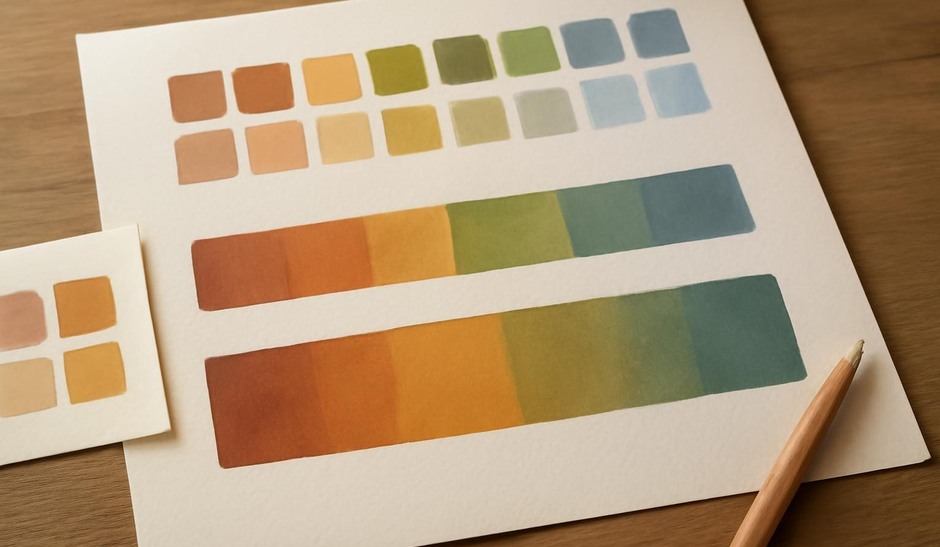
Use clipped layers, overlay layers, or adjustment layers for colour experiments. For example, create a clipped colour layer above a value pass to test different palettes while leaving the grayscale read intact. If a colour test fails, simply toggle or remove the layer without losing structure.
Masking for selective iteration
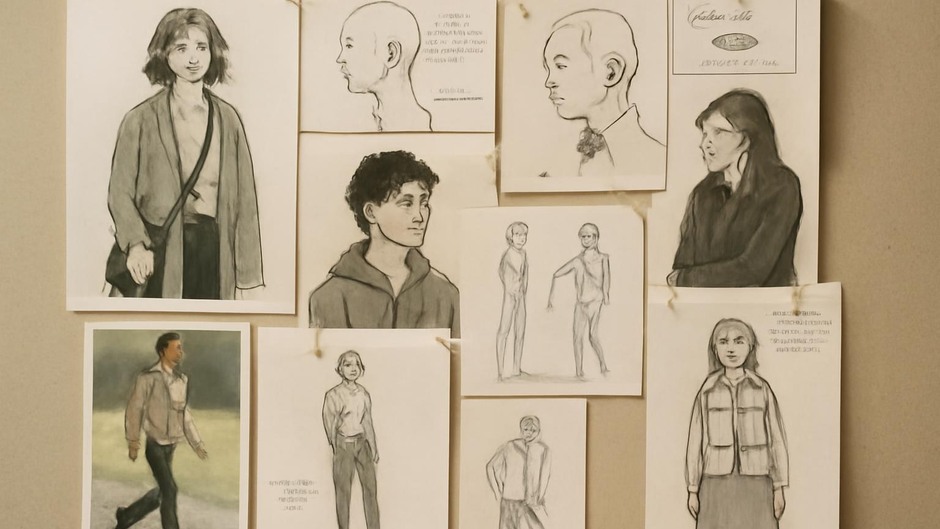
Masks allow you to refine parts of the image without altering the whole. When you want to test a new texture or edge treatment on a garment, apply the changes to a new layer and mask it to the area. This makes it easy to compare before-and-after states by toggling visibility.
Progressive refinement strategy
Work in timed passes focused on different goals. Example routine: a 30-minute pass to clean shapes and edges, a 45-minute pass to refine local form and lighting, and a final 20–40-minute pass for accents and textures. Between passes, flatten temporary layers into a labeled merged copy if you want to reduce layer count but still preserve a checkpoint.
Visual checkpoints
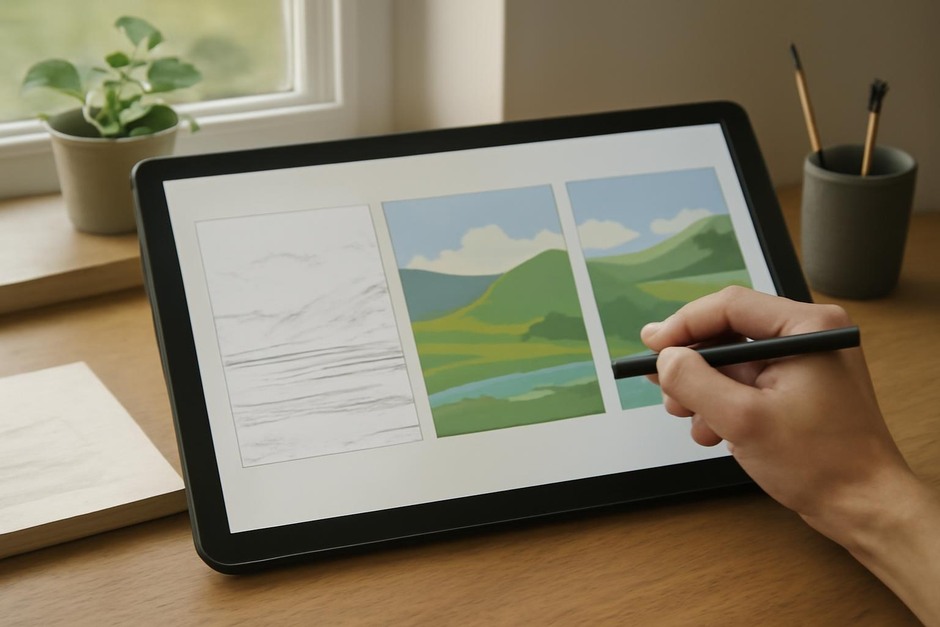
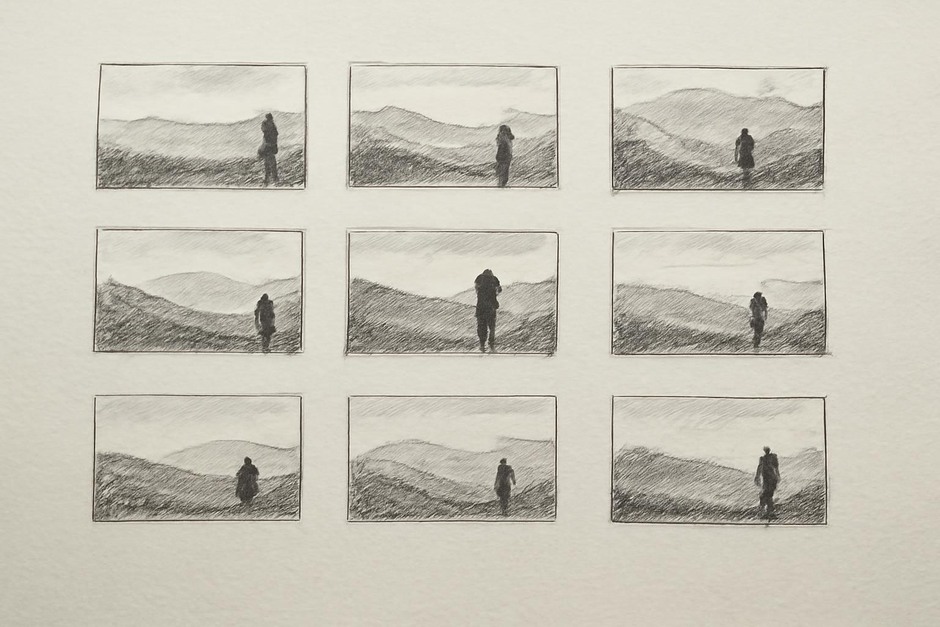
Save small flattened checkpoints at key moments. A useful habit is to export low-resolution PNGs for three states: after block-in, after colour mapping, and after the first refinement. These images are quick to compare and help you judge whether the next pass improves the image in important ways.
Edge control and focus
Control focus with edge contrast rather than detail alone. Use hard edges, high local contrast, and saturated accents to bring focal areas forward. Soft edges and reduced contrast push areas into atmosphere. Address edge language deliberately during refinement passes rather than as an afterthought.
A brief exercise to practice layered iteration
- Create the layer structure above and do a 15-minute sketch.
- Run a 30-minute block-in pass to set values and large colour masses.
- Do a 45-minute refinement pass: clean edges on focal areas, add local modelling on one major form, and test one texture on a separate masked layer.
- Export three flattened checkpoints and review the differences before deciding on a final detail pass.
Layered iterative work protects early discoveries and makes comparisons clear. When each pass has a specific aim and lives on its own layer, you reduce the friction of experimenting and keep the focus on making deliberate visual choices.